In today’s digital age, a strong brand identity is crucial for any business, big or small. And at the heart of that identity lies a memorable logo. But hiring a professional designer can be costly and time-consuming. Enter Looka, an AI-powered logo maker that empowers anyone to create professional, custom logos in minutes, regardless of design experience.
This article dives deep into the world of Looka, exploring its features, pros and cons, user reviews, and frequently asked questions. By the end, you’ll have a comprehensive understanding of whether Looka is the right tool to bring your brand vision to life
What is Looka Logo Maker AI?

Looka is an online platform that leverages artificial intelligence to simplify the logo design process. It employs a user-friendly interface and powerful algorithms to generate unique logo concepts based on your preferences. Think of it as your virtual design assistant, guiding you through each step, from brainstorming ideas to finalizing your logo.
How does it work?
- Inspiration: Looka starts by asking about your business, industry, preferred styles, and color palettes. This helps the AI understand your vision.
- AI-Powered Generation: Based on your input, Looka’s AI algorithms generate a diverse array of logo concepts.
- Customization: You can then customize any logo that catches your eye. Experiment with fonts, colors, symbols, and layouts until you achieve the perfect design.
- Download: Once you’re happy with your logo, Looka provides high-resolution files in various formats, ready for use across your website, social media, and marketing materials.
Looka Logo Maker AI Reviews: What are Users Saying?
Looka has garnered largely positive reviews from users across the web. Many praise its intuitive interface, extensive customization options, and the ability to generate high-quality logos without design skills.
Here’s a summary of common sentiments:
- Ease of Use: Users find Looka incredibly easy to navigate, even with no prior design experience. The platform guides you through each step, ensuring a smooth and efficient design process.
- Customization: The level of customization offered is a significant plus. Users appreciate the ability to fine-tune every aspect of their logo, from colors and fonts to symbol placement and layout.
- Value for Money: Compared to hiring a professional designer, Looka offers a cost-effective solution for creating a professional logo. The platform provides various packages to suit different needs and budgets.
- Customer Support: Looka’s customer support receives positive feedback for its responsiveness and helpfulness. Users appreciate the readily available resources and prompt assistance.
However, like any tool, Looka has its limitations:
- Originality: While Looka generates unique logos, some users feel that the designs can sometimes feel generic or lack a truly distinctive edge.
- AI Dependence: The AI, while powerful, can sometimes miss the mark, requiring more manual customization to achieve the desired result.
Overall, Looka is widely regarded as a valuable tool for businesses and individuals seeking a quick, affordable, and user-friendly way to create a professional logo.
Looka Logo Maker AI: Pros and Cons
Let’s delve deeper into the specific advantages and disadvantages of using Looka:
Pros:
- AI-Powered Design: Looka’s AI algorithms take the guesswork out of logo design, generating diverse concepts based on your preferences.
- User-Friendly Interface: The platform is incredibly intuitive and easy to navigate, making it accessible to everyone, regardless of design experience.
- Extensive Customization: Looka offers a wide range of customization options, allowing you to fine-tune every aspect of your logo to match your brand identity.
- High-Resolution Downloads: You receive high-quality logo files in various formats, suitable for both online and print use.
- Brand Kits: Looka offers brand kits that include social media templates, business card designs, and other branding materials, ensuring consistency across your brand.
- Affordable Pricing: Compared to hiring a designer, Looka provides a cost-effective solution with various packages to suit different budgets.
Cons:
- Limited Originality: While the AI generates unique logos, some designs may lack a truly distinctive edge or feel somewhat generic.
- Potential for AI Bias: As with any AI, there’s a potential for bias in the generated designs, which may require careful review and customization.
- Subscription Model: Some users may prefer a one-time purchase option instead of Looka’s subscription-based model.
Looka Logo Maker AI: Frequently Asked Questions
- What is the cost of using Looka?
Looka offers different pricing plans based on the features and file formats you need. The “Basic” plan provides a low-resolution logo file, while the “Premium” plan offers high-resolution files, brand kits, and lifetime technical support.
- Can I trademark a logo created with Looka?
Yes, you can trademark a logo created with Looka. However, it’s essential to ensure your logo is unique and doesn’t infringe on any existing trademarks. Looka provides resources and guidance on trademarking your logo.
- What file formats does Looka provide?
Looka offers various file formats, including PNG, JPG, PDF, and SVG. These formats ensure your logo is usable across different platforms and applications.
- Can I use Looka to create logos for commercial purposes?
Absolutely! Looka’s logos are designed for commercial use. You can use your logo on your website, social media, marketing materials, and merchandise.
- Does Looka offer refunds?
Looka offers a 100% satisfaction guarantee. If you’re unhappy with your logo, you can request a refund within 7 days of purchase.
- Can I edit my logo after purchase?
Yes, you can edit your logo even after purchasing your package. Looka allows you to make changes and revisions as needed.
- Does Looka offer customer support?
Yes, Looka provides customer support through email and chat. Their support team is known for its responsiveness and helpfulness.
- What are the alternatives to Looka?
Several alternatives to Looka exist, including:
- Canva Logo Maker: A popular graphic design tool with a user-friendly interface and a vast library of templates.
- Wix Logo Maker: Another AI-powered logo maker that offers a simple and intuitive design process.
- Tailor Brands: A platform known for its focus on brand identity and creating a cohesive brand experience.
Each platform has its strengths and weaknesses, so it’s worth exploring different options to find the best fit for your needs.
Looka Logo Maker AI: Is it Right for You?
Looka is an excellent option for individuals and businesses seeking a quick, affordable, and user-friendly way to create a professional logo. Its AI-powered design process, extensive customization options, and high-quality downloads make it a valuable tool for anyone looking to establish a strong brand identity.
Consider Looka if you:
- Are starting a new business and need a logo.
- Want to rebrand your existing business with a fresh logo.
- Need a logo quickly and efficiently.
- Don’t have design skills or the budget to hire a professional designer.
- Value ease of use and a streamlined design process.
However, if you’re looking for a completely unique and highly creative logo, you might need to explore other options or consider working with a professional designer.
Ultimately, the best way to determine if Looka is right for you is to try it out. Explore the platform, experiment with its features, and see if it aligns with your vision and needs.
Looka Logo Maker AI: Beyond the Logo
While Looka excels at logo design, it offers more than just a logo creation tool. It provides a suite of branding tools to help you establish a consistent brand identity across all platforms.
Here are some key features beyond logo design:
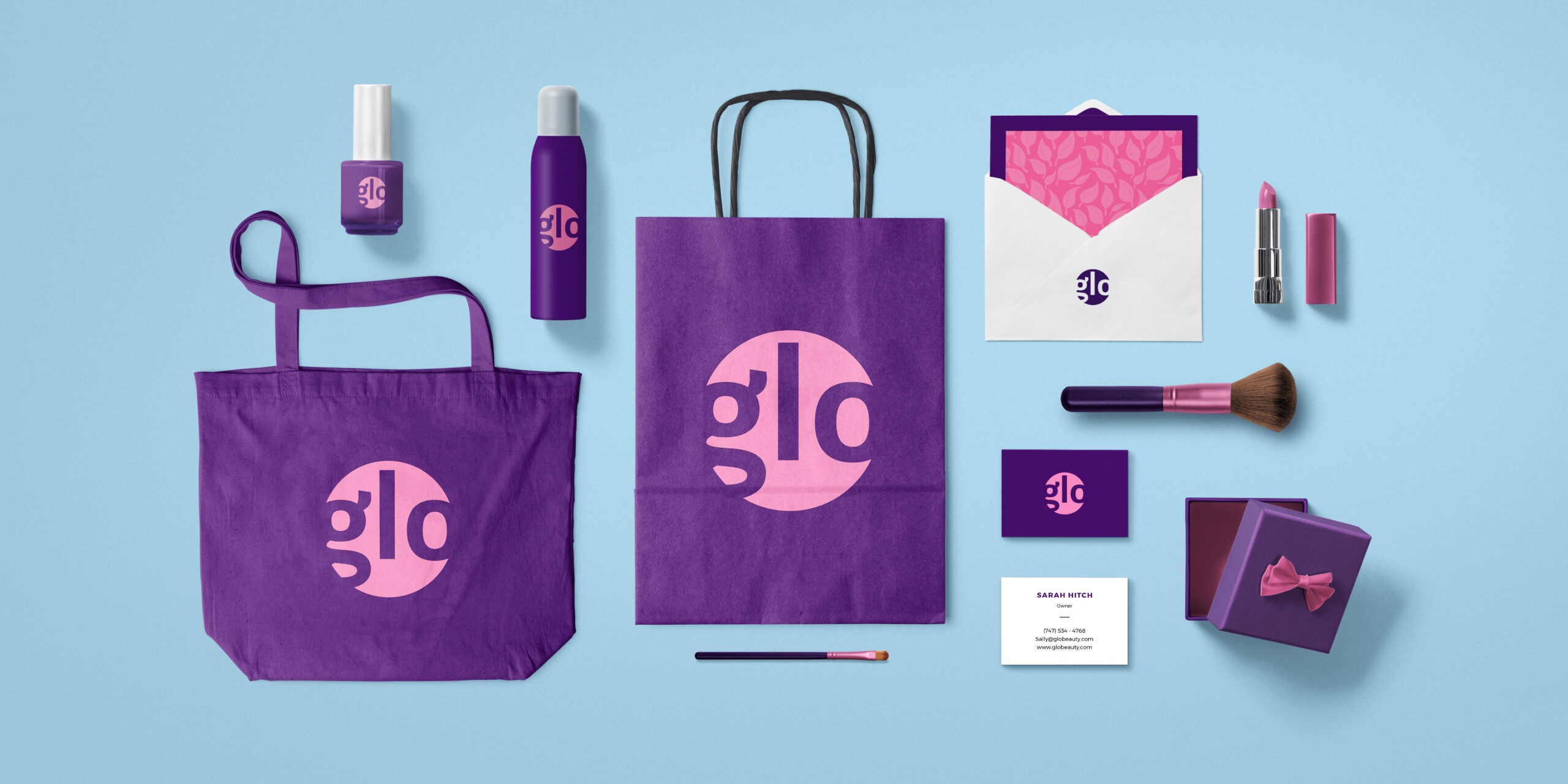
- Brand Kits: Looka offers comprehensive brand kits that include social media templates, business card designs, and other branding materials. This ensures your brand looks professional and cohesive across all touchpoints.
- Website Builder: Looka integrates with a website builder, allowing you to create a website that complements your new logo and brand identity.
- Social Media Management: Looka offers tools to help you manage your social media presence, ensuring your brand message is consistent across all platforms.
These additional features make Looka a valuable resource for businesses looking to establish a strong online presence and build a recognizable brand.
Looka Logo Maker AI: Tips for Creating a Stunning Logo
While Looka simplifies the logo design process, a few tips can help you create a truly effective and memorable logo:
- Keep it Simple: Avoid cluttering your logo with too many elements. A simple and clean design is more memorable and impactful.
- Choose the Right Colors: Colors evoke emotions and associations. Select colors that align with your brand personality and resonate with your target audience.
- Focus on Typography: The font you choose plays a crucial role in conveying your brand message. Experiment with different fonts to find one that reflects your brand’s style and tone.
- Consider Symbolism: Incorporate symbols that are relevant to your brand and resonate with your audience. A well-chosen symbol can add depth and meaning to your logo.
- Test Your Logo: Before finalizing your logo, test it across different platforms and applications to ensure it looks good in various contexts.
By following these tips and leveraging Looka’s powerful tools, you can create a logo that effectively represents your brand and leaves a lasting impression on your audience.
Looka Logo Maker AI: The Future of Logo Design
Looka represents a growing trend of AI-powered design tools that empower individuals and businesses to create professional designs without specialized skills. As AI technology continues to evolve, we can expect even more sophisticated and intuitive design tools to emerge.
Looka’s focus on user experience, combined with its powerful AI algorithms, positions it as a leader in the online logo design space. With its constantly evolving features and commitment to innovation, Looka is likely to remain a popular choice for businesses seeking a quick, affordable, and effective way to create a stunning logo.